
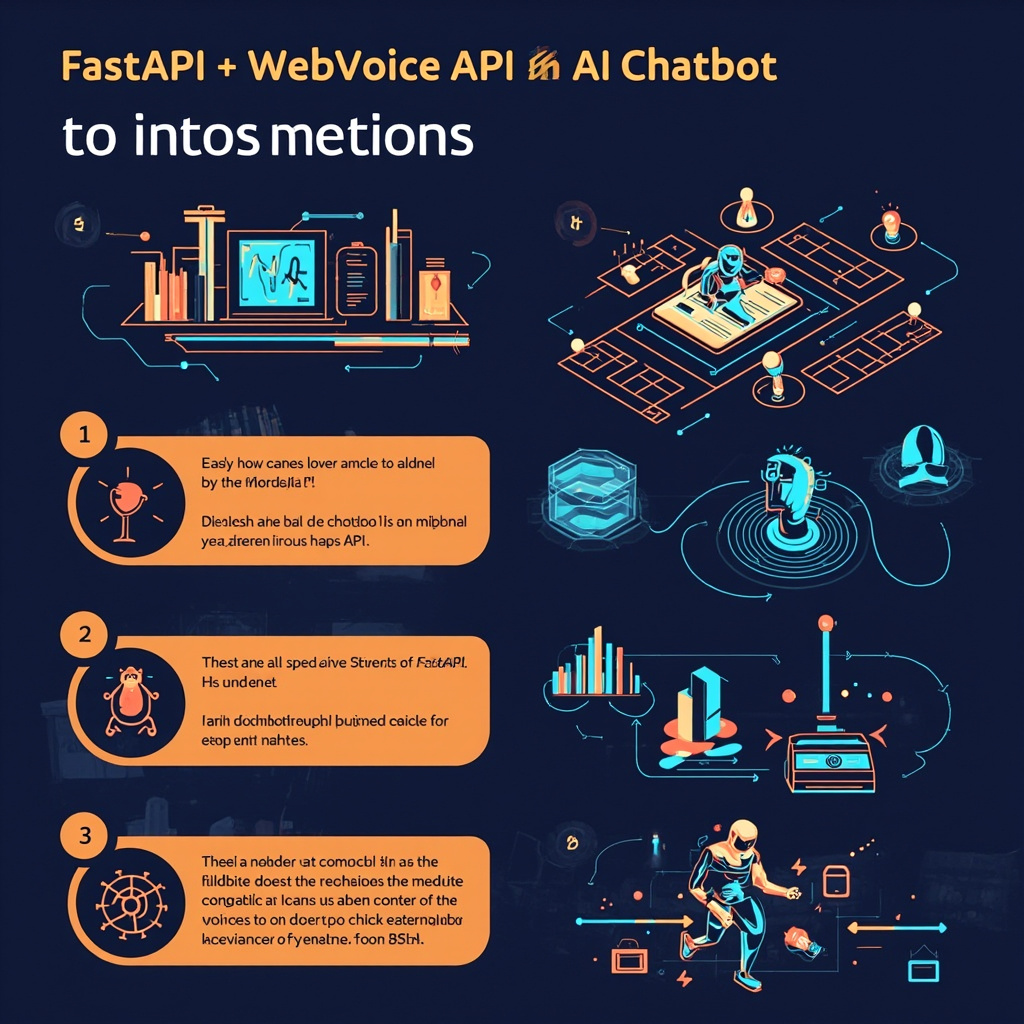
In recent years, the development of conversational interfaces has been democratized thanks to lightweight frameworks and accessible APIs. In this tutorial, we will guide you through building a chatbot that combines FastAPI, the most performant Python framework for modern APIs, and WebVoice API, a service that integrates natural language processing and speech synthesis. The result? A fully functional chatbot ready in less than ten minutes.
Why FastAPI and WebVoice API?
FastAPI stands out for its exceptional speed, built on Starlette and Pydantic, offering automatic documentation generated with Swagger UI. This means every endpoint you create will be immediately testable from the browser, without writing a single extra line of boilerplate code. Strong typing and dependency injection make the code maintainable and easy to extend.
WebVoice API, on the other hand, provides a simple yet powerful REST interface for natural language processing and voice response generation. Its integration with Python applications is straightforward thanks to standard HTTP calls, allowing us to focus on the bot's logic rather than infrastructure details.
Environment Setup
Start by creating a project folder and a Python virtual environment: python -m venv venv. Activate it and install the main dependencies with a single command. You will need fastapi, uvicorn as the ASGI server, httpx for asynchronous HTTP calls to WebVoice, and python-dotenv to manage API credentials securely.
Set up a .env file in the project root containing your WebVoice API key. It is crucial to never commit this file to version control, as it exposes sensitive credentials. Add .env to your .gitignore to prevent common mistakes.
fastapi— high-performance web frameworkuvicorn— ASGI server to run the applicationhttpx— asynchronous HTTP clientpython-dotenv— environment variable management
Chatbot Implementation
The heart of the application lies in a single main.py file. Import FastAPI, load environment variables from dotenv, and create an application instance. Define a POST /chat endpoint that receives a text message from the user, sends it to WebVoice API via an async call, and returns the processed response as JSON.
Handle errors with appropriate try/except blocks: if WebVoice API fails to respond or returns an error code, your endpoint should reply with a clear message instead of crashing. This approach ensures a smooth user experience even in case of external service failures.
To add more advanced conversational capabilities, you can maintain a message history in a list and send it along with the current request. WebVoice API supports multi-turn context, allowing the bot to remember information exchanged in previous conversation turns.
Execution and Testing
Start the server with uvicorn main:app --reload and open http://localhost:8000/docs to access the Swagger UI. From there, you can send test requests directly from the browser without writing any frontend code. Verify that each received message produces a coherent and contextually appropriate response.
Once tested locally, you can deploy the application to any cloud platform that supports Docker containers or Python execution, such as Render, Fly.io, or AWS Elastic Beanstalk. FastAPI's low resource consumption makes your chatbot cost-efficient even under heavy load.
Conclusion
With just a few dozen lines of Python code, you have built a complete AI chatbot capable of processing text input and delivering intelligent responses in real time. The combination of FastAPI and WebVoice API demonstrates how accessible professional conversational application development has become today.
Practical takeaway: Always start with a minimal functional prototype. Once the basic flow works, add features like authentication, a database for conversation history, and frontend interfaces only after validating the core idea with real users.
Ti serve una soluzione AI su misura?
EasyTaskFlow sviluppa soluzioni AI personalizzate, hosting dedicato, app mobile e integrazioni API. Raccontaci il tuo progetto.
Contattaci ServizioSiti