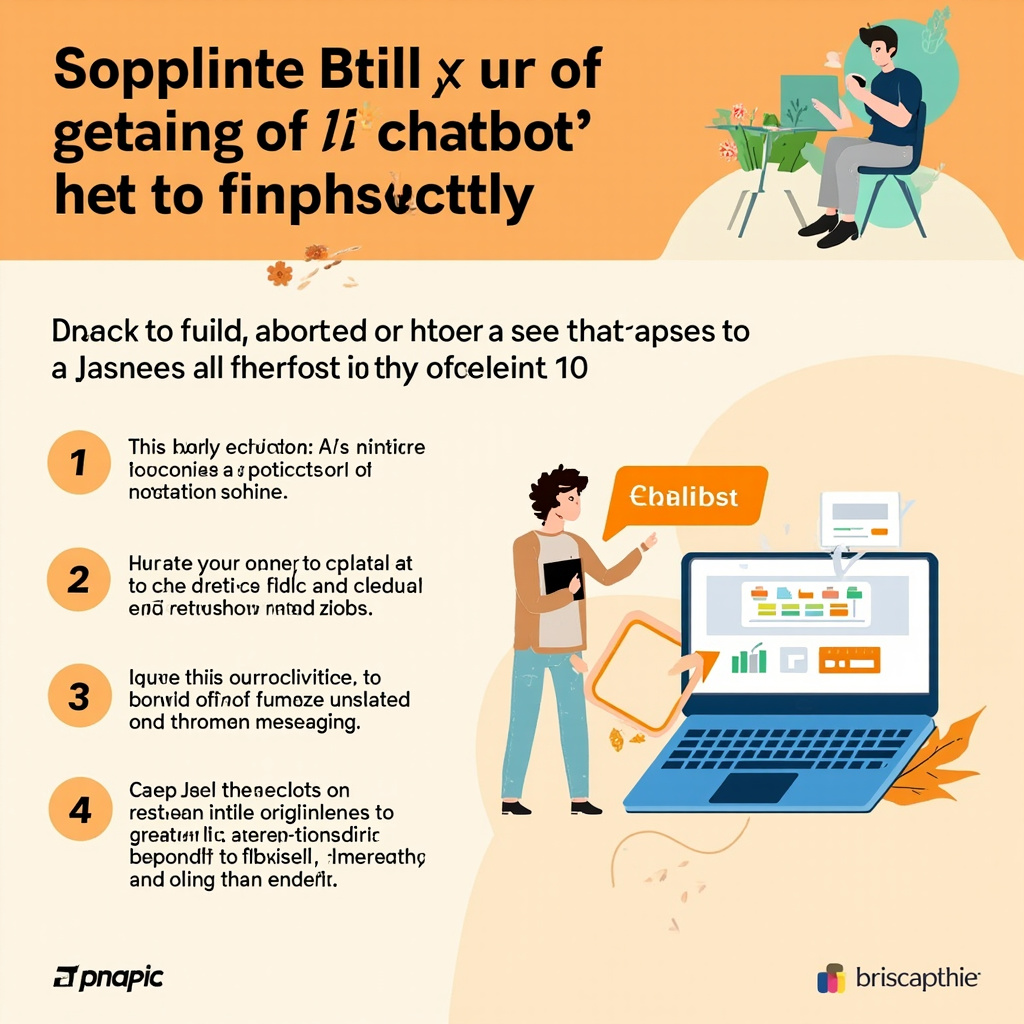

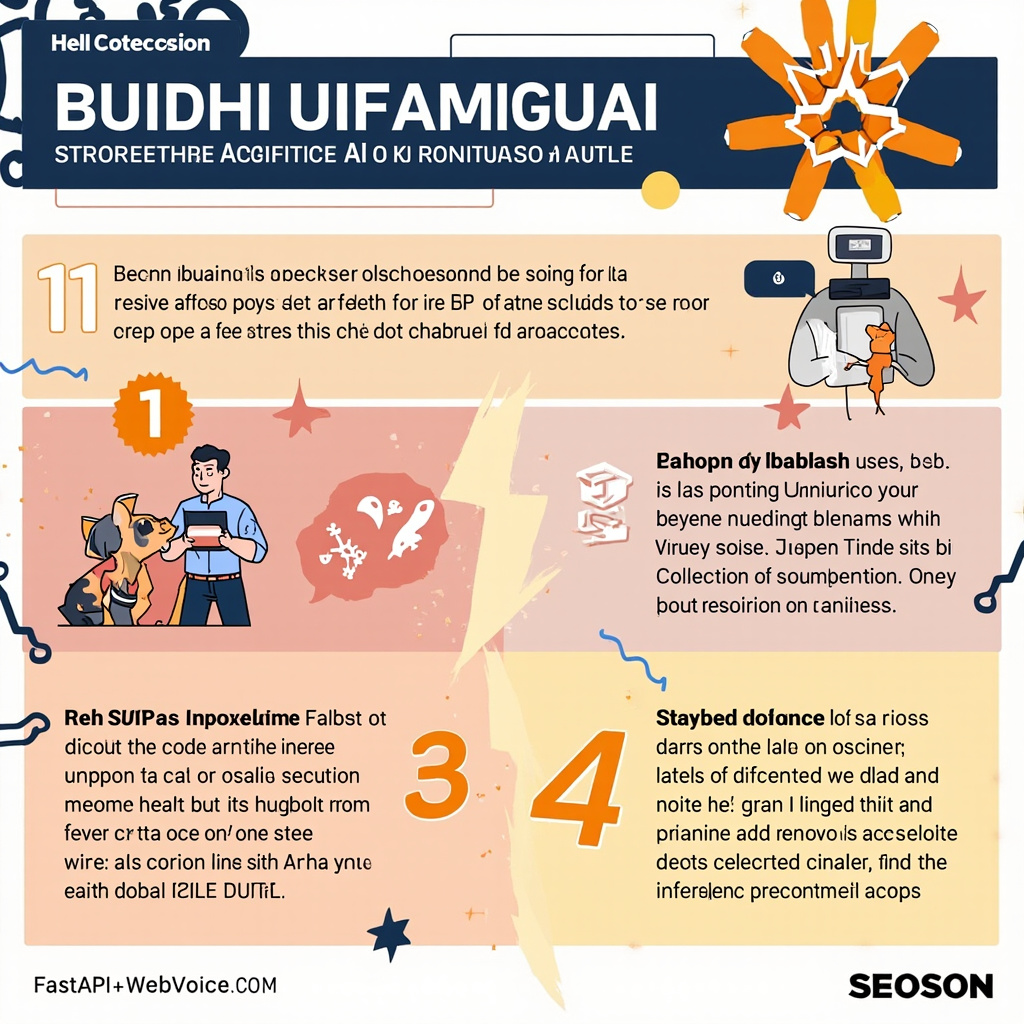
Building intelligent chatbots has become an increasingly in-demand skill in today's tech landscape. With FastAPI, the high-performance Python framework, and WebVoice API, the solution for speech and text processing, you can build a complete conversational assistant in record time. In this tutorial, I'll guide you step by step through creating a functional chatbot in just 10 minutes, without compromising on code quality.
Why FastAPI and WebVoice API?
FastAPI offers performance comparable to Node.js and Go, with a gentle learning curve thanks to automatic typing and integrated Swagger documentation. WebVoice API, on the other hand, simplifies the integration of speech and natural language processing features, allowing you to focus on the chatbot logic rather than infrastructure details.
The combination of these two tools represents a perfect balance between development speed and final product quality. The result is a scalable, maintainable system ready for production, ideal for both work projects and personal projects.
Environment Setup and Prerequisites
Start by creating a new folder for the project and setting up a Python virtual environment. Install the main dependencies with a simple pip command: fastapi, uvicorn, webvoice-sdk, httpx, and python-dotenv for environment variable management. Create a .env file in the project root and add your WebVoice API key, which you can obtain by registering for free on their dashboard.
- Python 3.11+ installed on your system
- Active account on WebVoice API with available credits
- Preferred code editor (VS Code recommended)
- Terminal with access to pip and git
Once the environment is configured, verify that everything works by running a connection test with WebVoice API before proceeding with the actual development.
Chatbot Code Structure
Create the main main.py file and import the necessary libraries. Define a POST endpoint on /chat that accepts a text or voice message and returns an AI-generated response. Use WebVoice API to process user input and generate contextual responses. Add a session system that maintains conversation history for each user, drastically improving the dialog experience.
Also implement a /health endpoint for service status monitoring and configure the necessary middleware for CORS management, essential if you plan to expose the chatbot as a web frontend. The complete, well-commented code will have your chatbot ready in just a few minutes.
Deployment and Production
To make the chatbot accessible to the world, start the server with uvicorn using the command uvicorn main:app --host 0.0.0.0 --port 8000. For deployment on cloud platforms like Render or Railway, create a minimal Dockerfile and an updated requirements.txt. These services offer free deployment with included HTTPS domain, perfect for initial tests and portfolio projects.
Also set up a basic logging system to track user interactions and quickly identify any issues. Adding a simple frontend with HTML and JavaScript will let you test the chatbot directly from the browser and gather valuable feedback for subsequent iterations.
Practical Takeaway
In just 10 minutes of focused work, you've built a complete, scalable AI chatbot ready for deployment. The real power of this combination lies in the ability to quickly extend functionality: add multilingual support, integrate databases for storing conversations, or implement webhooks for real-time notifications. The foundation is solid — now it's up to you to make it unique.
Ti serve una soluzione AI su misura?
EasyTaskFlow sviluppa soluzioni AI personalizzate, hosting dedicato, app mobile e integrazioni API. Raccontaci il tuo progetto.
Contattaci ServizioSiti