
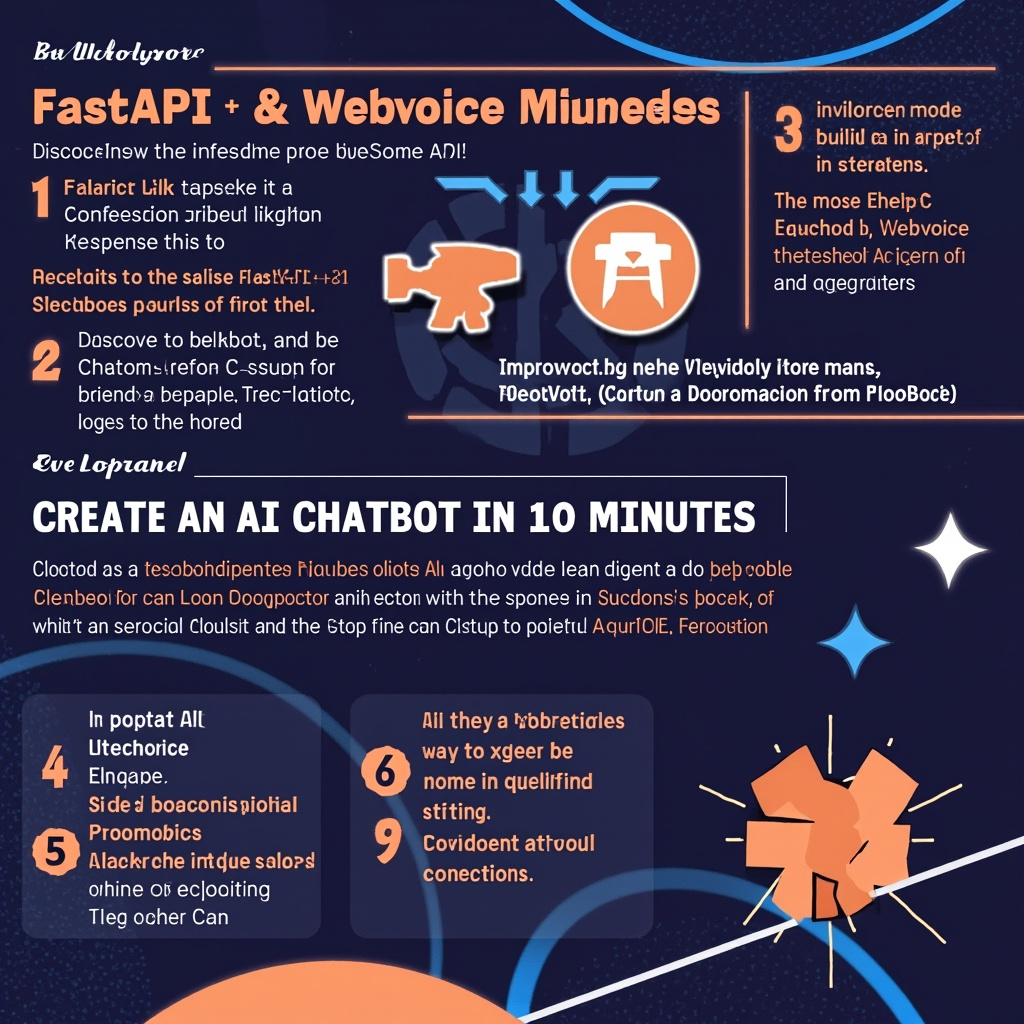
Building an AI chatbot from scratch can seem like a daunting task, but with FastAPI and WebVoice API integration the process becomes surprisingly fast. In this tutorial I'll guide you step by step through creating a fully functional chatbot in just 10 minutes, perfect for anyone who wants to start with a solid prototype that can be customized later.
Why FastAPI and WebVoice API Together
FastAPI is one of the most performant Python frameworks for building modern APIs, with native support for async and automatic data validation thanks to Pydantic. WebVoice API, on the other hand, offers powerful natural language processing capabilities that turn any endpoint into a true intelligent conversationalist.
Combining the two tools allows you to create fast and secure RESTful APIs that handle real-time conversations. Beginners appreciate the automatic documentation generated by FastAPI, while experienced developers enjoy the flexibility to integrate WebVoice API with existing systems.
Development Environment Setup
Let's start with environment preparation. We'll create a folder for the project and install the necessary dependencies: FastAPI, Uvicorn as the ASGI server, the WebVoice SDK client, and Pydantic for data model management.
- Create a virtual environment with
python -m venv venv - Activate the environment and install the libraries with pip
- Obtain API credentials from the WebVoice Dashboard
- Configure environment variables for security
It's crucial to protect API keys by storing them as environment variables and never hardcoding them in the code. We'll use the python-dotenv package to manage the .env file that will contain all the project's sensitive credentials.
Chatbot Implementation
Let's write the main code for our chatbot. The main.py file will contain the FastAPI application with a dedicated POST endpoint for conversation management. Each request will include the user's message and the conversation history to maintain context.
WebVoice API automatically handles intent parsing, context retrieval, and response generation. Our job will be simply to orchestrate the API calls and format the responses clearly. We'll also implement error handling to ensure a smooth user experience even in case of connectivity issues.
Let's add middleware for request logging and incoming payload validation. FastAPI handles automatic validation, drastically reducing the boilerplate code needed and lowering the risk of type errors in production.
Testing and Deploying the Application
Before going live, we test the chatbot with manual requests using Swagger UI, the automatic interface generated by FastAPI. We verify that the responses are relevant, that context is maintained correctly, and that response times are acceptable.
For deployment we can use platforms like Railway, Fly.io, or Render that offer free plans perfect for pilot projects. The process requires only build and environment variable configuration, making go-live extremely simple.
Practical Takeaway
The secret to building effective AI chatbots is not writing complex algorithms, but knowing how to elegantly orchestrate powerful tools like FastAPI and WebVoice API. The code you wrote today is a solid starting point: adding state storage, frontend integration, and model customization are the next natural steps to transform this prototype into a complete product.
Ti serve una soluzione AI su misura?
EasyTaskFlow sviluppa soluzioni AI personalizzate, hosting dedicato, app mobile e integrazioni API. Raccontaci il tuo progetto.
Contattaci ServizioSiti