
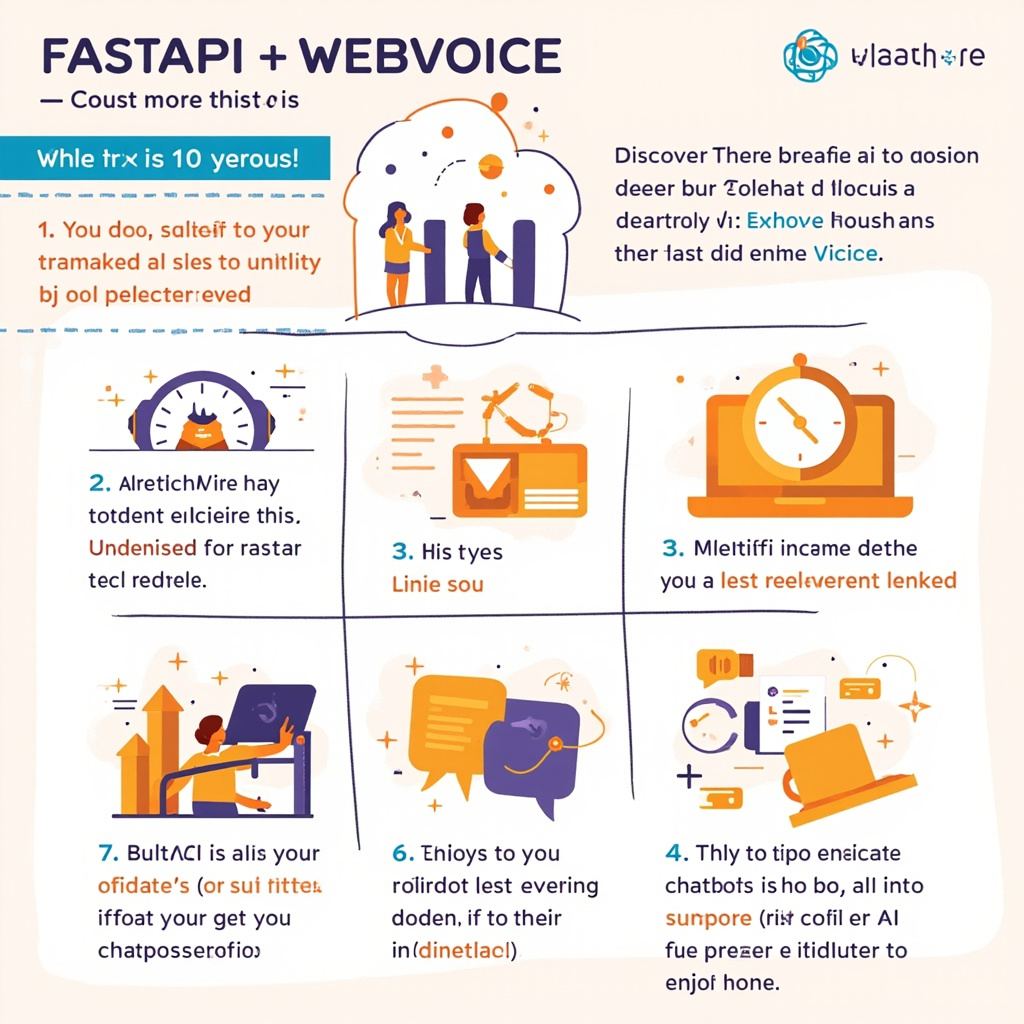
Building an AI chatbot doesn't necessarily require days of development. With FastAPI, the premier asynchronous Python framework, and integration with WebVoice API, you can set up a complete conversational assistant in just 10 minutes. In this guide I'll show you how to do it, step by step, with ready-to-use code.
Why choose FastAPI and WebVoice
FastAPI offers high performance thanks to native support for asynchronous operations, automatic data validation with Pydantic, and auto-generated OpenAPI documentation. For a chatbot, these advantages translate into fast responses and an API interface ready to be tested effortlessly.
WebVoice API, for its part, simplifies integration with advanced language models by handling authentication, throttling, and response parsing. Combining the two tools lets you focus on the bot's logic, leaving the infrastructure in capable hands.
Environment setup
Before writing any lines of code, let's lay the groundwork. Create a folder for the project and initialize a virtual environment:
- Create the folder:
mkdir fastapi-webvoice-chatbot - Activate the environment:
python -m venv venv - Install dependencies:
pip install fastapi uvicorn openai httpx
Besides the main libraries, you'll need a WebVoice API key. You can obtain it by registering on the platform and accessing the dedicated integration keys dashboard.
Writing the chatbot code
The heart of the project lies in a single main.py file. Here's the essential structure:
Let's start by importing the necessary libraries and configuring the WebVoice client. We then define a /chat endpoint that accepts messages in JSON format and returns the bot's responses. By using asynchronous operations, we can handle multiple requests simultaneously without any issues.
Here's a practical implementation example you can copy and adapt to your use case, modifying the system prompt to customize the chatbot's behavior according to your needs.
Testing and deploying
Once the code is written, start the server with uvicorn main:app --reload and open http://localhost:8000/docs to interact with the API directly from the browser. The Swagger documentation will let you test each endpoint intuitively.
For production deployment, I recommend deploying on a cloud service like Railway, Render, or Fly.io. A Dockerfile and a few configurations are all it takes to have the chatbot running in just a few minutes, ready to handle real traffic.
Practical takeaway
With FastAPI and WebVoice API you have a modern, fast, and scalable stack at your disposal for building AI chatbots without wasting time on complex configurations. The secret is to start simple, test frequently, and iterate rapidly. Your conversational assistant can become the foundation of more ambitious projects, such as integration with enterprise applications, interactive dashboards, or even plugins for messaging platforms.
Ti serve una soluzione AI su misura?
EasyTaskFlow sviluppa soluzioni AI personalizzate, hosting dedicato, app mobile e integrazioni API. Raccontaci il tuo progetto.
Contattaci ServizioSiti