
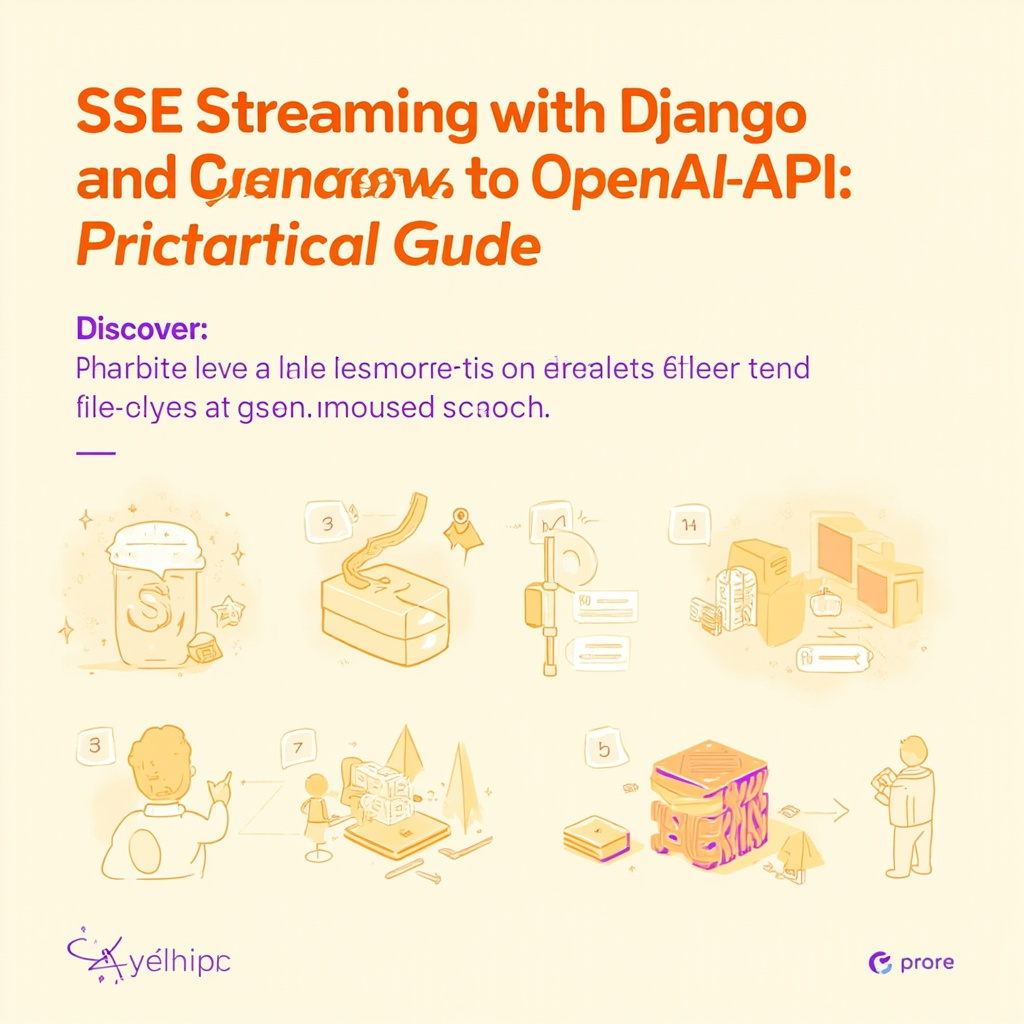
In the world of AI-powered applications, the difference between a smooth and a static user experience often lies in the ability to return data in streaming. Server-Sent Events (SSE) is a protocol that allows the server to send incremental updates to the client, making it possible to display a language model's response word by word instead of waiting for the entire generation to complete. In this guide we will explore how to configure a Django endpoint that streams responses from an OpenAI-compatible API.
What is SSE streaming and why use it
SSE streaming leverages the persistent HTTP connection to send text events from the server to the browser, using a simple format based on lines of text separated by double newlines. Unlike WebSocket, SSE is unidirectional (server-to-client), which makes it ideal for scenarios such as text completion, where the client sends a request and receives a continuous stream of chunks.
The advantages are clear: the first token appears in a few milliseconds, the user sees text appear in real time, and connection management complexity is minimal. For chatbot or AI assistant applications, this perception of immediacy makes the difference between a product that is appreciated and one that is frustrating.
Django endpoint configuration
To enable streaming in Django, we need to respond with a Python generator that sends chunks progressively. The key is to use StreamingHttpResponse with the Content-Type: text/event-stream header and disable caching and HTTP buffering. Here is the basic structure of the endpoint:
- Define a view that accepts the request and forwards the prompt to the AI service
- Iterate over the response stream and encapsulate each chunk in SSE format
- Return a
StreamingHttpResponsewith the correct headers
It is crucial to handle timeouts and network errors, since a broken SSE connection does not automatically reconnect as WebSocket does. A good pattern includes a try-except block that sends an error event to the client in case of failure.
Integration with OpenAI-compatible APIs
Most modern AI providers — OpenAI, Anthropic, Azure OpenAI, as well as self-hosted solutions like Ollama or vLLM — support the stream=True parameter in completion requests. In Django, we can rely on the openai library or httpx to make streaming calls, or use requests with stream=True and read the stream line by line.
Each chunk received from the provider usually contains a delta field with the partial text. Our Django generator must transform each chunk into the standard SSE format: a data: line containing the text, followed by an empty line to delimit the event. This approach ensures maximum compatibility with JavaScript clients using the native EventSource object.
Frontend and event handling
On the client side, it is enough to initialize a new EventSource instance pointing to our Django endpoint. Whenever the server sends a data event, the onmessage callback is triggered and we can update the DOM by concatenating the new token to the displayed text. To improve the experience, it is useful to also manage the loading state and show a blinking cursor during generation.
An important consideration is handling automatic reconnection: EventSource attempts to reconnect after an error, but in the context of a single chat request this behavior can cause confusion. Setting a timeout on the server side and closing the connection cleanly when generation ends avoids orphaned connection issues.
Conclusion
Implementing SSE streaming with Django and an OpenAI-compatible API is an investment that pays off immediately in terms of user experience. The pattern is simple but requires attention to detail: correct event formatting, error handling, and orderly closure of the connection. The practical takeaway is this: start with a Python generator that reads chunks from the provider's stream and forwards them as SSE events, then add error handlers and timeouts. With this foundation, you will have a reactive chat protocol ready to be integrated into any modern web interface.
Ti serve una soluzione AI su misura?
EasyTaskFlow sviluppa soluzioni AI personalizzate, hosting dedicato, app mobile e integrazioni API. Raccontaci il tuo progetto.
Contattaci ServizioSiti